
Setting Up Your DAW for UK Garage
Configure your DAW for optimal UKG production. We'll set up a template with the right BPM, swing settings, and channel routing.
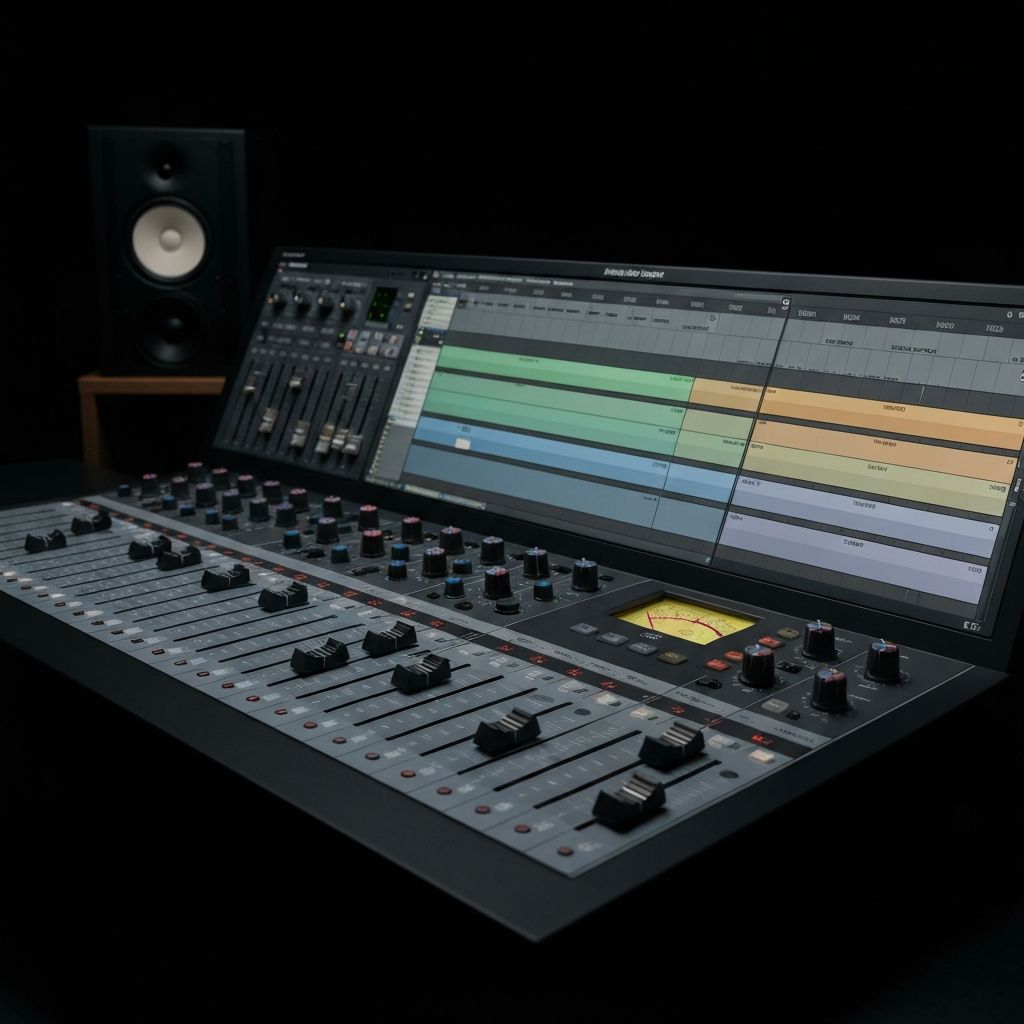
Video lesson coming soon
Introduction
Before you make a single sound, you need your DAW configured correctly. A well-set-up template saves hours of repetitive work and lets you focus on creativity. This lesson walks you through creating the perfect UK garage production template.
Setting Your Project Tempo
UK garage typically sits between 130-140 BPM. Here's a breakdown by subgenre:
- 2-Step: 130-136 BPM (most common)
- 4x4 Garage: 128-132 BPM
- Speed Garage: 135-140 BPM
- Bassline: 135-140 BPM
Our recommendation: Start at 134 BPM. It's the sweet spot for most UKG productions—fast enough to have energy, slow enough to groove.
Configuring Swing and Groove
Swing is what separates UK garage from house music. Every DAW handles swing differently:
Ableton Live
- Open the Groove Pool (Ctrl/Cmd + 8)
- Find MPC grooves in Core Library → Swing and Groove
- Drag "MPC 8 Swing-54" or "MPC 8 Swing-58" to your clips
- Adjust the Timing slider to taste (50-75% is typical)
FL Studio
- Open the Channel Rack
- Use the Swing knob at the top (54-58% for UKG feel)
- Or: Piano Roll → Tools → Quantize → Set swing per channel
Logic Pro
- Select your MIDI region
- Open Region Inspector (I key)
- Set Quantize to 1/16 note
- Adjust Swing slider (54-58%)
Channel Routing Template
A clean channel structure makes mixing easier. Here's our recommended setup:
Track Groups
- DRUMS (Group/Bus)
- Kick
- Snare/Clap
- Hi-Hats
- Percussion
- BASS (Group/Bus)
- Sub Bass
- Mid Bass
- MUSIC (Group/Bus)
- Pads
- Keys/Stabs
- Leads
- FX
- VOCALS (Group/Bus)
- Lead Vocal
- Vocal Chops
- Backing Vocals
Send/Return Channels
- Reverb A: Short room reverb (for drums, percussion)
- Reverb B: Long hall/plate reverb (for pads, vocals)
- Delay: 1/8 or 1/16 note ping-pong delay
- Saturation: Subtle tape/tube saturation for warmth
Essential Channel Strip Settings
Pre-load these on each channel type:
Kick Channel
- High-pass filter at 30Hz (remove sub rumble)
- Transient shaper (increase attack)
- Light compression (4:1 ratio, fast attack)
Bass Channel
- Low-pass filter at 200Hz for sub layer
- Sidechain compressor receiving from kick
- Saturation for warmth (subtle)
Hi-Hat Channel
- High-pass filter at 300Hz
- Groove/swing applied (54-58%)
- Send to short reverb
Saving Your Template
Once configured, save this as your default UKG template:
- Ableton: File → Save Live Set as Template
- FL Studio: File → Save As → Templates folder
- Logic: File → Save as Template
Summary
A well-configured DAW template is the foundation of efficient production. Set your tempo to 134 BPM, configure swing at 54-58%, organize your channels into logical groups, and pre-load essential processing. Save this as a template and you'll start every session ready to create.
In the next lesson, we dive into the heart of UK garage: the shuffle. You'll learn exactly how to program those signature skippy hi-hat patterns.
Devil's Advocate
Advanced thinking for experienced producers
"Are templates helping or hindering your creativity?"
Templates save time, but they can also lead to formulaic productions. The best producers often start from scratch to avoid falling into predictable patterns.
Alternative Workflows to Try
- 1.Try starting your next session with a blank project — no template, no presets.
- 2.Build a drum pattern at an unusual BPM (128 or 140) to discover new grooves.
- 3.Use a completely different routing setup to force new mixing decisions.
Critical Thinking Traps
Trap: "Following swing percentages will give me authentic UKG feel."
Reality: The classics were programmed by feel, not numbers. Use your ears, not charts.
Trap: "I need complex channel routing to sound professional."
Reality: Many iconic tracks were mixed with minimal routing. Simplicity often wins.
Trap: "My template should cover every possible scenario."
Reality: Over-prepared templates can stifle spontaneity. Leave room for happy accidents.
Download: Ableton & FL Studio templates
Pre-configured project files for Ableton & FL Studio